How to import Pantone and HKS spot colors into your Print.App Domain
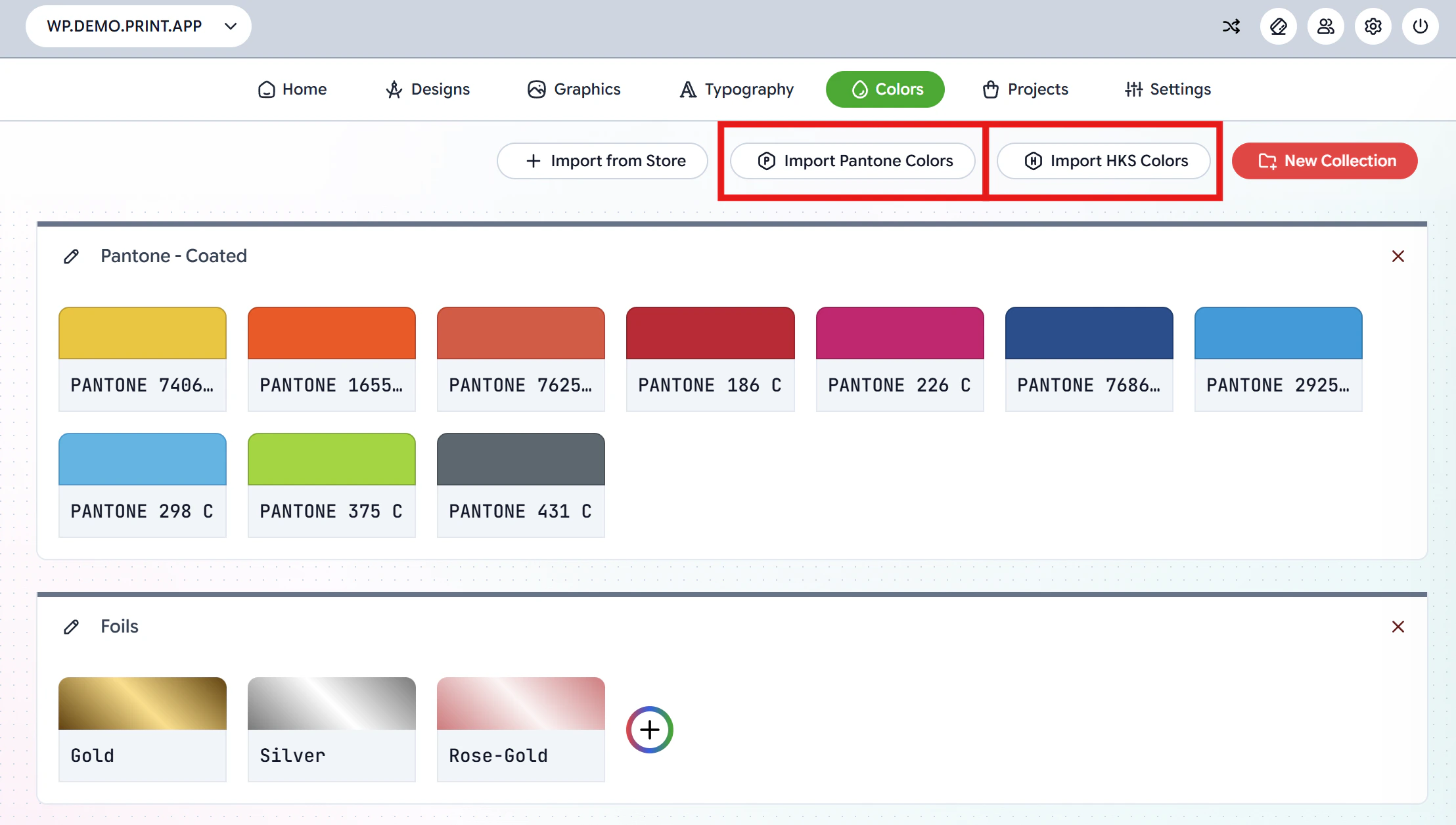
Print.App lets you import industry-standard Pantone and HKS spot colors directly into your color collections for use in the editor.To get started, navigate to the Colors Page in your Print.App Admin. You will see the Import Pantone Colors and Import HKS Colors buttons at the top of the page.
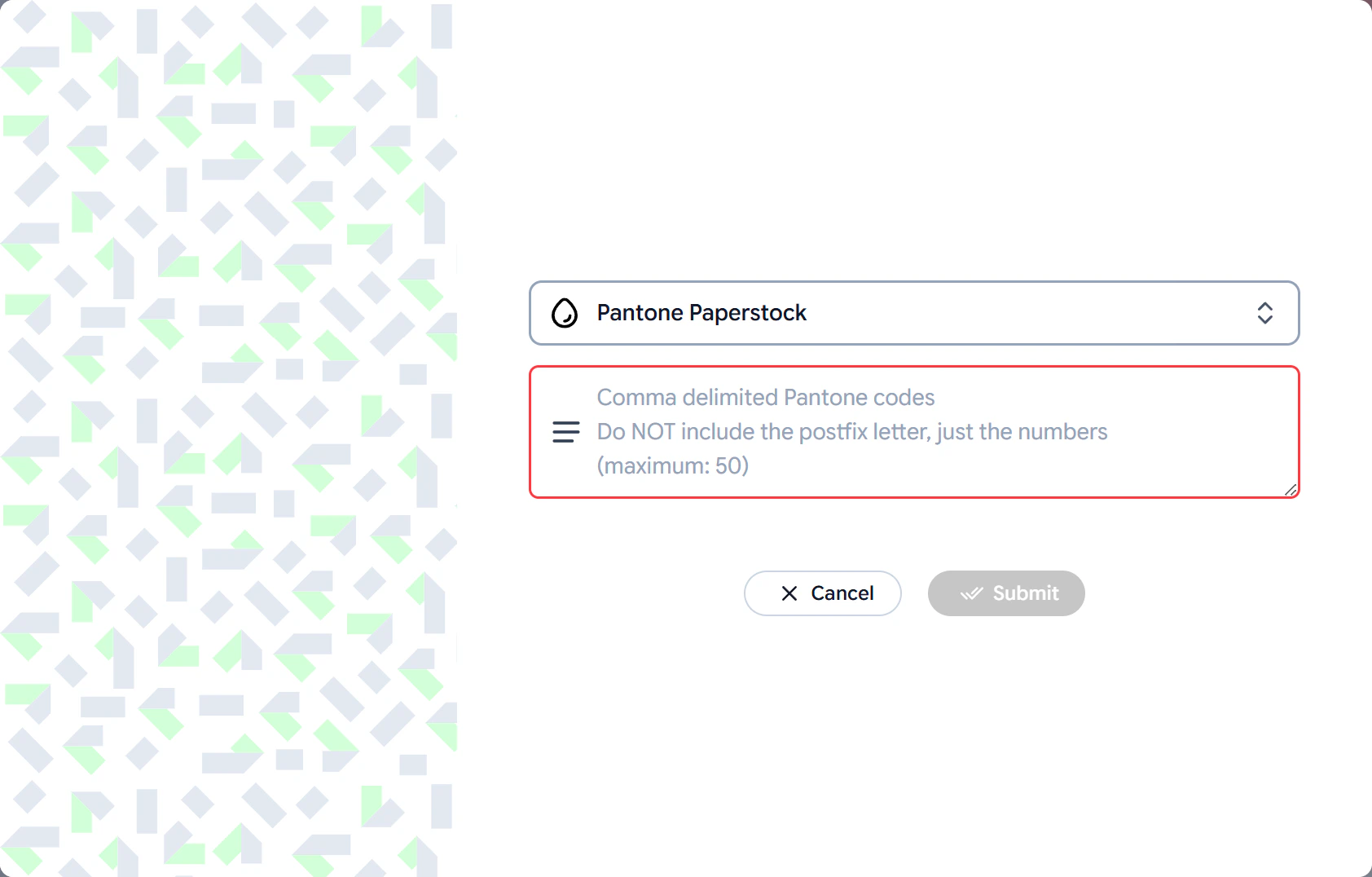
Click the Import HKS Colors button to open the import dialog.
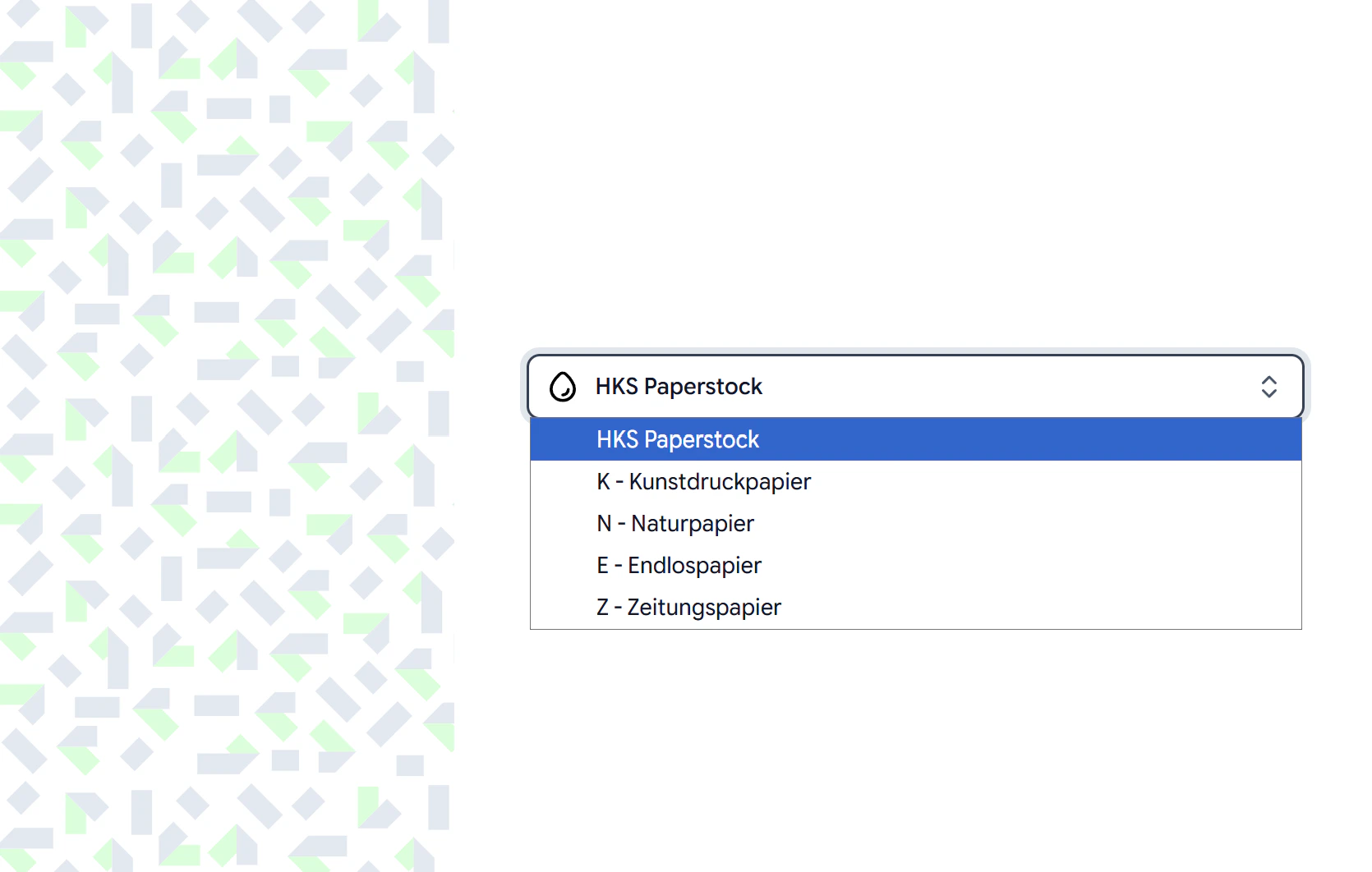
Select a paper stock from the dropdown. The available HKS paper stocks are:
Paper Stock
Description
HKS Paperstock
Standard HKS paper stock
K - Kunstdruckpapier
Coated art paper
N - Naturpapier
Natural / uncoated paper
E - Endlospapier
Continuous paper
Z - Zeitungspapier
Newsprint paper
Once you select a paper stock, click the Submit button and the full set of HKS colors for that stock will be imported into a new color collection.
After importing, your Pantone and HKS colors will appear as a color collection on the Colors page. You can then assign them to specific Design Templates using a Resource Profile.Read more about assigning resources here