

You create a Resource Profile to assign certain Graphics to a Design Template. This way, only the Graphics you’ve selected will be available for use in that Design Template.Read more here
- Graphics are managed on a collection basis and can be applied as backgrounds or placed directly on the design canvas.
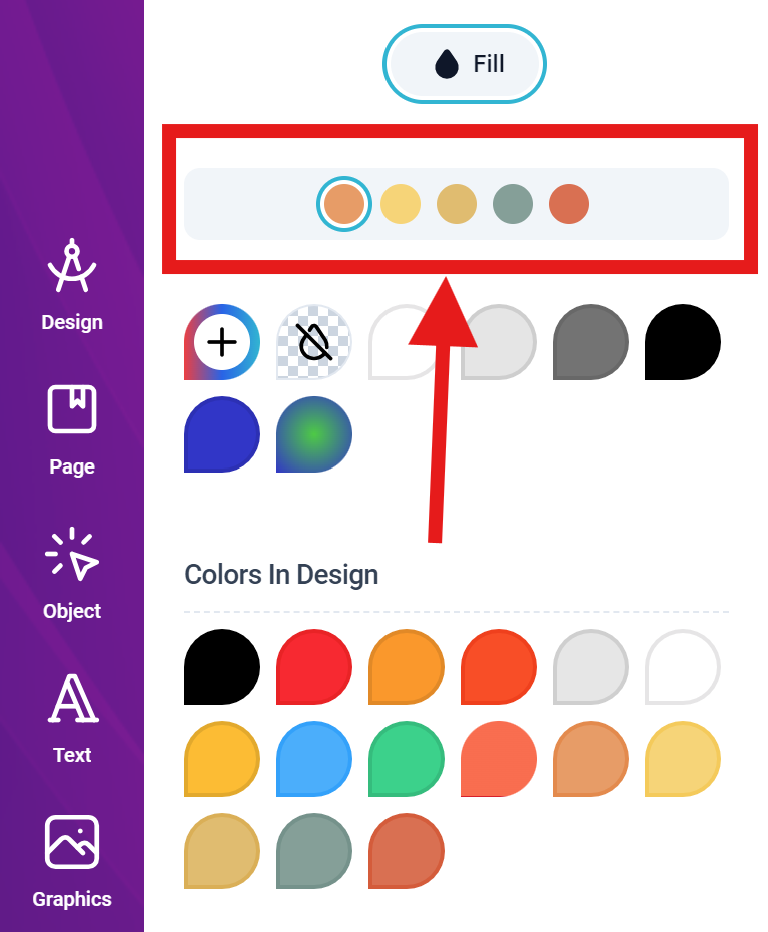
- SVG Vector graphics can be painted on the canvas using the color panel and selecting the fill index you want changed.
- PDF files with multiple pages appear as a collection of pages in the graphics panel.
- An uploaded PDF file in the editor cannot be edited on the canvas, it can only be transformed (resized, scaled or rotated). They are placed in the final PDF output using the originally uploaded source with all its properties. Please note, this is different from importing PDFs as a complete template in the admin panel. We are referring to uploading PDF files as graphics inside the designer
Uploads
The following types of files can be uploaded:HEIC photos are converted in the customer’s browser before they upload, in both the classic and the new editor. They keep their orientation and colour: the wide Display P3 colour of iPhone photos is converted to sRGB. Photos over 50 megapixels are scaled down to 50 (16.7 on phones). The converted file is what’s stored, previewed and printed.