


- Navigate to this link to view Print.App in the Shopify App Store: https://apps.shopify.com/print-app-1
- Clicking on the Install button will take you to the a page where you have the option to either register a new Shopify account or login to your existing one and approve the app.
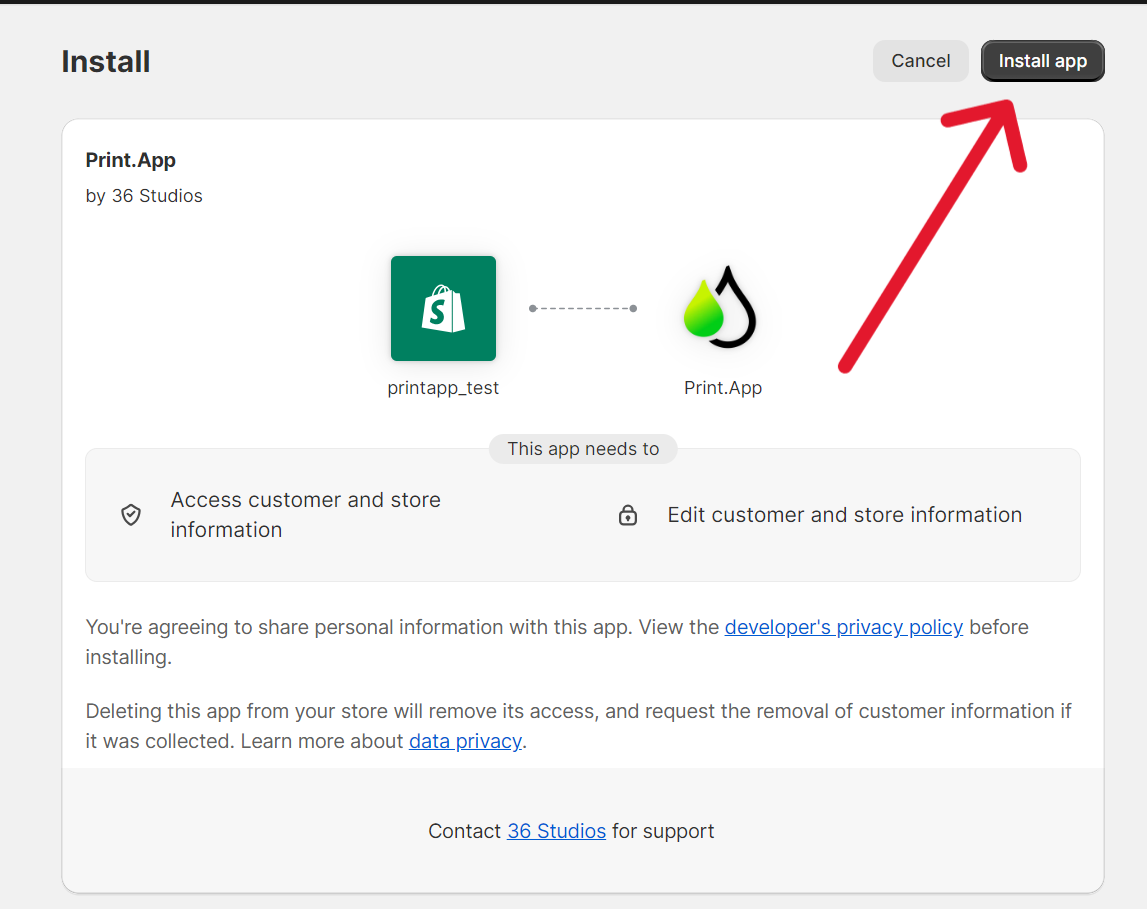
- Once the APP is installed you will be taken to the Print.App login page. You would’ve received your login details on the email address linked to your Shopify store, please check your inbox as well as SPAM folder.
- Switch on the Print.App app embed, which loads Print.App on your storefront. Until you do, your Print.App dashboard shows a banner saying Print.App is not showing on your storefront yet. Click Open theme editor in that banner, or in Shopify go to Online Store → Themes → Customize → App embeds. Turn on Print.App Core, then click Save. The banner clears when you return to the dashboard.
You don’t need to place anything in your theme. Print.App finds your product
form and adds the personalize button there on its own. If your theme is unusual
and the button doesn’t appear, add the Print.App Container app block to your
product template in the theme editor, where you want the button to sit.
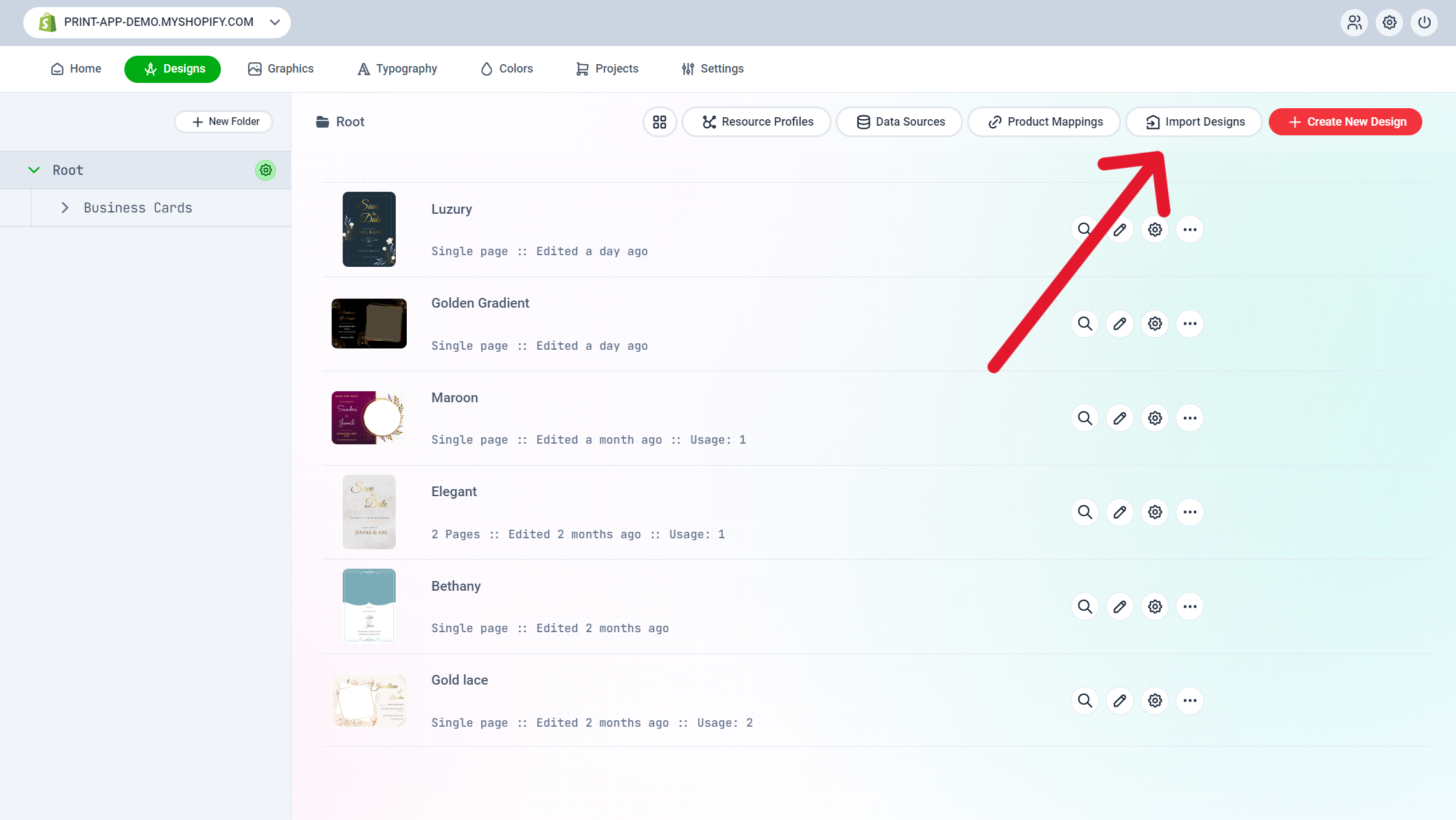
- Next, go to designs. Then click on Import Designs. Click on the + icon to select your designs. Then click on Add selected designs to your store, to import the selected designs.
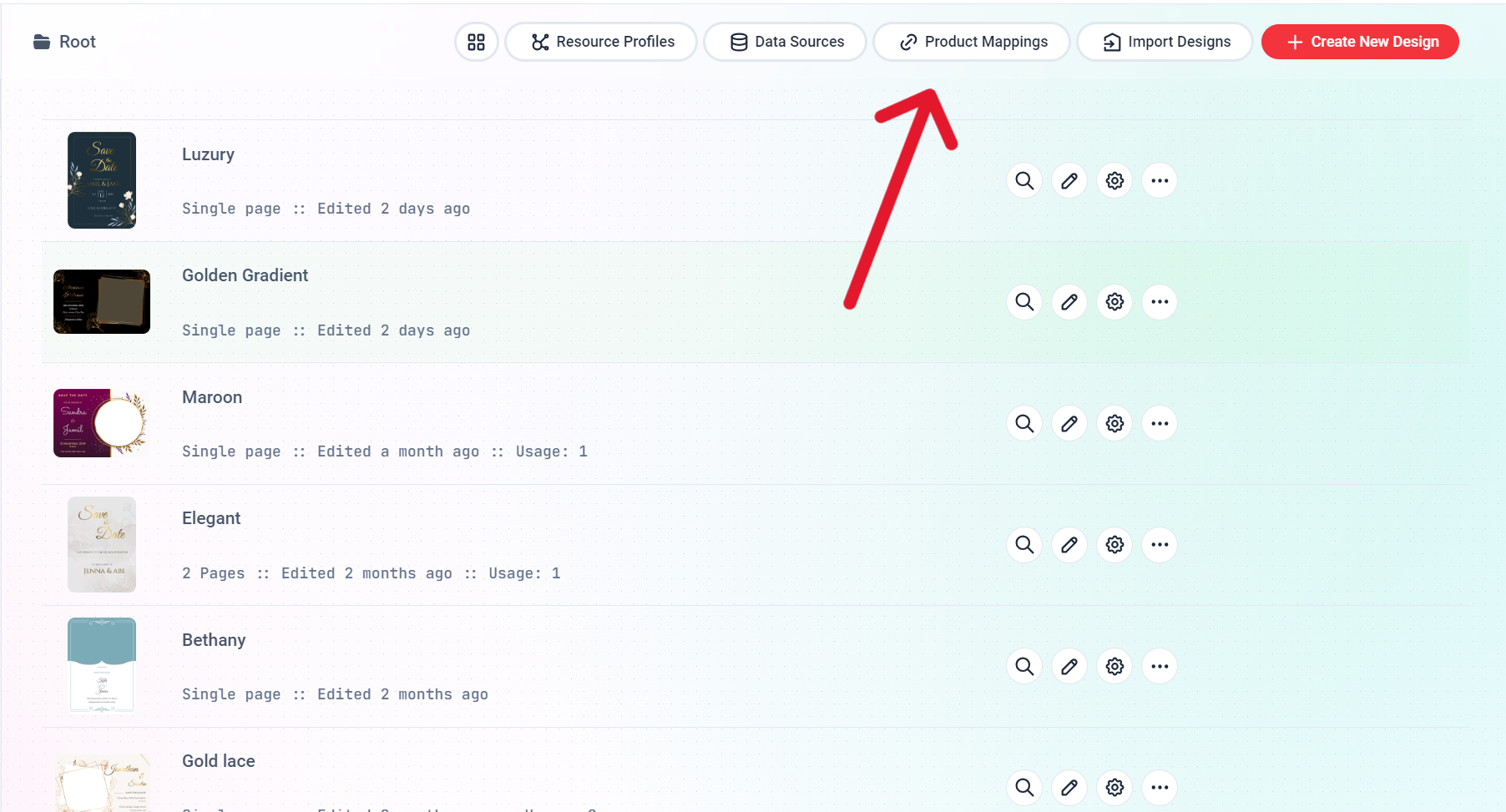
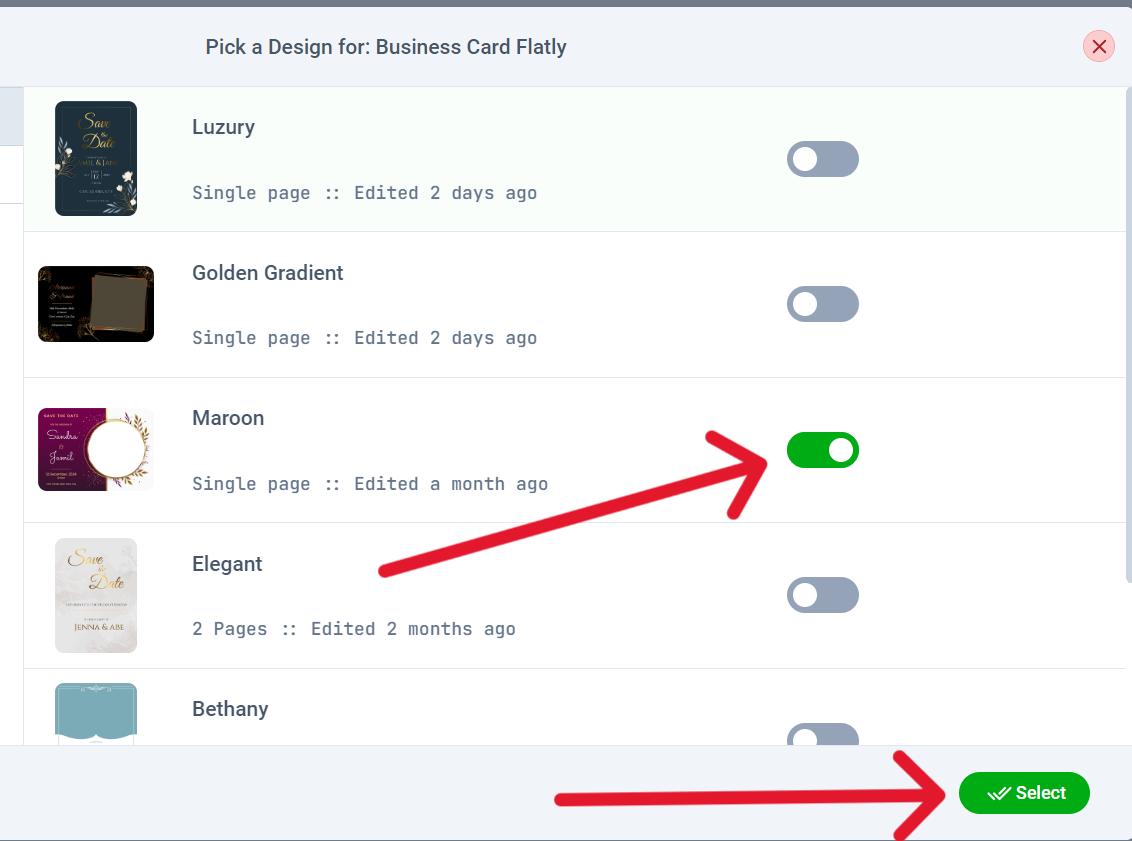
- Now for the final step of assigining a design to a product. Go to Product Mappings then click on the pencil icon to assign a design to the selected product.
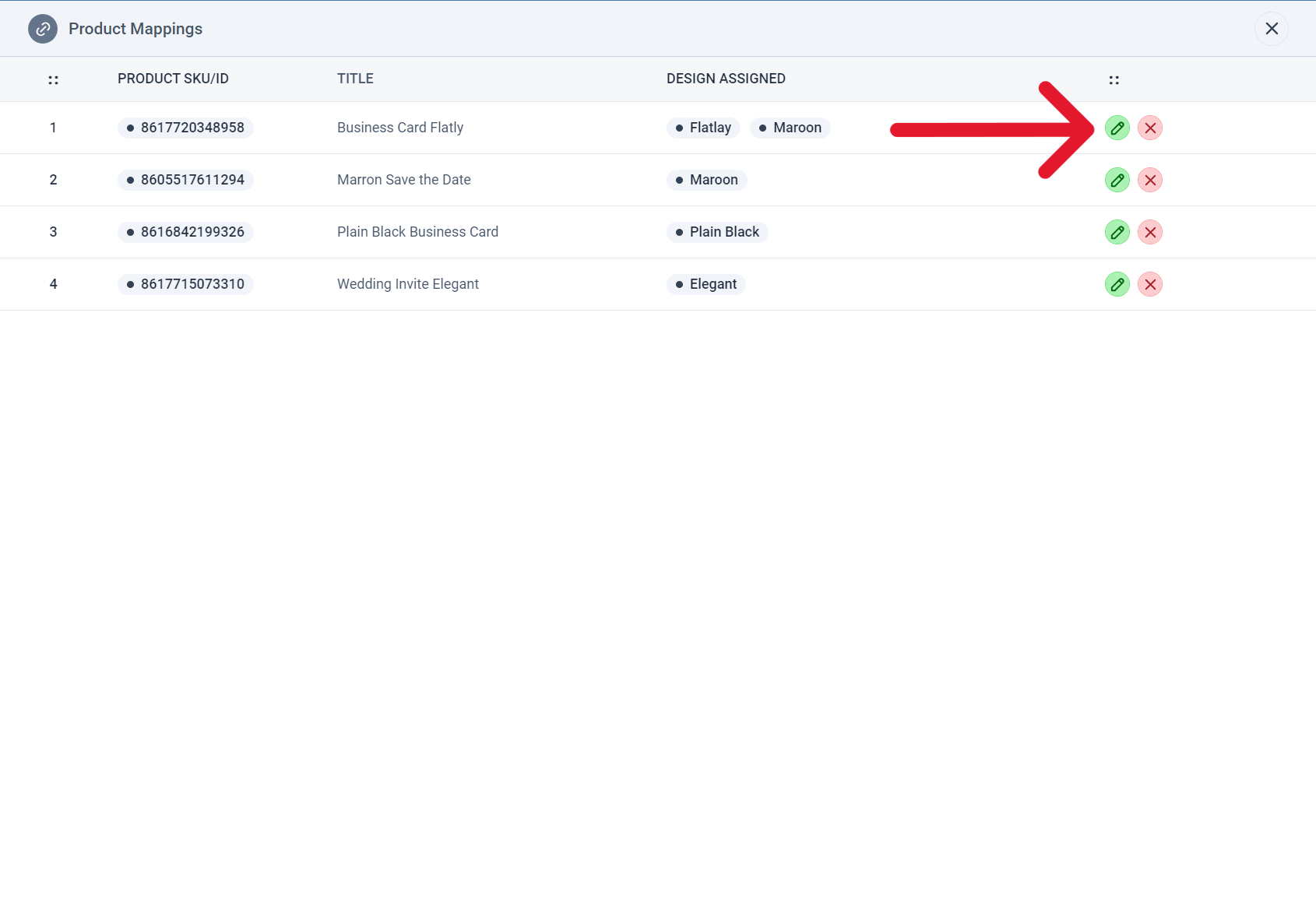
- Then click on the toggle switch beside the design(s) you would like to import and click select to save your changes.
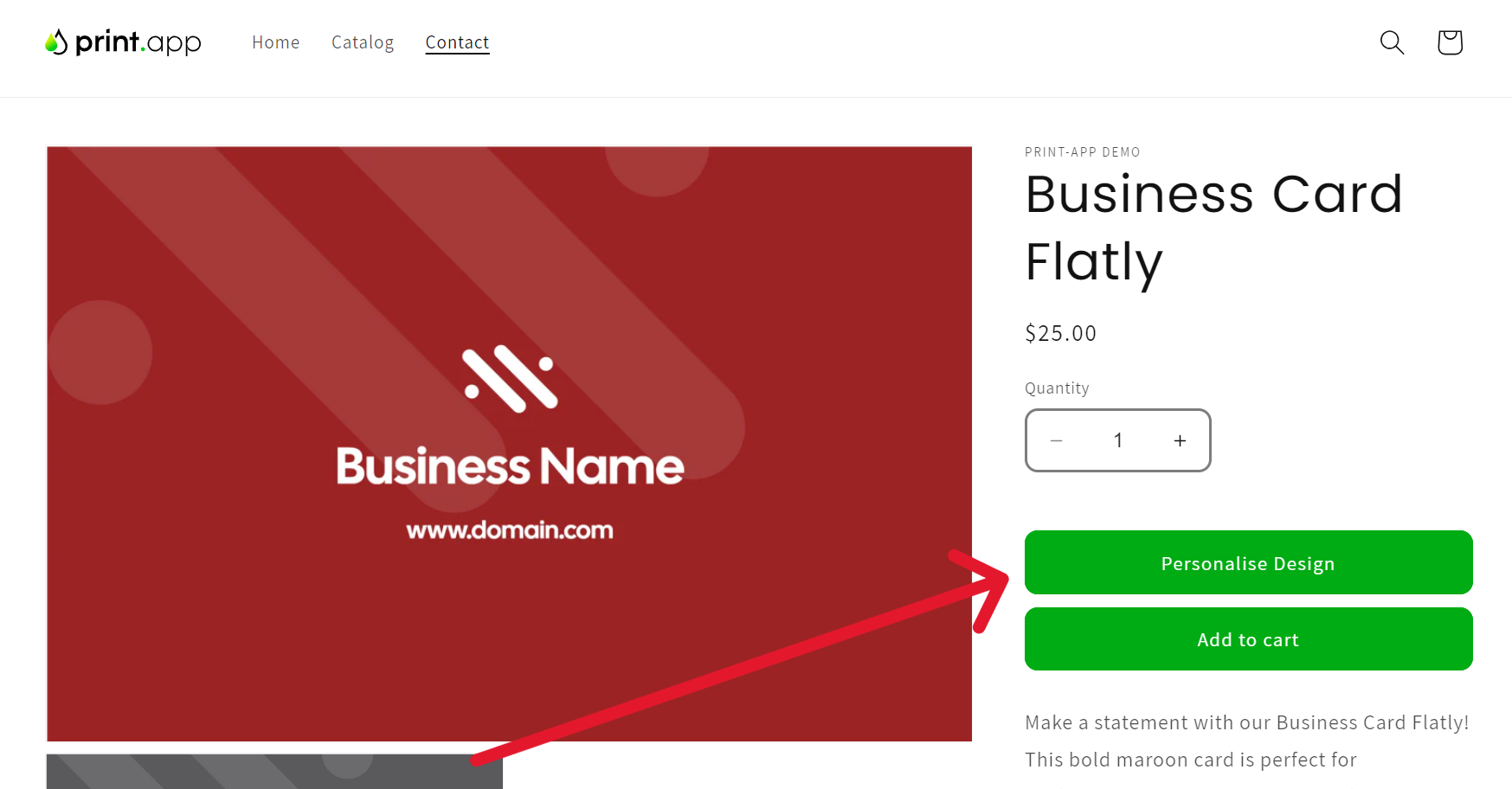
- You can now visit your Shopify store front end and check this product you should see the personalize button.
No personalize button on Shopify? First check that the Print.App Core
app embed is on and saved in your live theme (step 4). Turning it on in an
unpublished theme doesn’t affect your storefront.
Trouble shooting guide
If you can't see the Customize now button in your product page, please follow these guides:- Ensure you have a price set for the product; if not, the customize button will not show.
- If still it doesn't show, please reach out to us on our discord community.
For what Print.App actually does inside Shopify, including a live editor you can
try without installing anything, see Web-to-Print for Shopify.